Assalamualaikum,
Hope it’s not too late to wish everyone here a very Selamat Hari Raya Aidiladha, Maaf Zahir & Batin. I hope you had the chance to spend the long weekend with your loved ones and enjoyed some good food.
One of the best things about end-May/early-June for me is that it’s packed with family birthdays. It started with Aiman’s birthday on 26th May, my younger brother’s on 28th May, my Mom’s on 31st May, and my baby boy turned 1 on 2nd June. We just came back from a family trip to Desaru, and it made me realise how fast my kids are growing up.
Aina, who will be turning 4 in July, has started to show her personality. Her sisterly behaviour has begun to blossom, especially in the recent months, as Adam has learnt how to play with others. She also shows extra curiosity, wanting to do things on her own and asking tons of questions. One of my favourite questions from her recently was “Mummy, where do fishes sleep?” Sometimes, her questions are never-ending, but I know I have to keep up because that’s the only way to get her to stay engaged and curious as she explores the world!
Exploring the world, both physically and digitally.
Aiman (my husband) grew up as an iPad child, and we already knew Aina (and subsequently Adam in the future) would also grow up as an iPad kid. As much as we’d like to keep our kids screen-free, with the rise in technology, it’s inevitable. (and, frankly, if you ask me, my husband and I are a little too attached to our devices, and our kids learn from our behaviours too).
So the question now is – how do we teach these Gen Alphas and Gen Betas the way to use technology responsibly and safely? I can already see that Aina is growing up to be a tech-savvy kid. She knows how to navigate our Smart TV, how to scroll through our phones and pick her games, and heck, she even knows how to skip those annoying ads that pop up in the games!
Like it or not, I know our kids will have technology as part of their lives. Especially in this generation, where even playschools and kindergartens use tablets to help kids learn. So the question now is – how do we ensure that they are using the technology in a way that is curated for them, intentionally using the tool as a learning platform, and not merely for entertainment purposes?
LUMOS Kids Tablet – helping parents to balance screen time on fun and educational content.
This is where I find the LUMOS Kids Tablet helps us a lot.
Before getting the LUMOS Kids Tablet, Aina had been using both of our iPads interchangeably. She uses my iPad with my Procreate app (she knows my iPad has an Apple Pencil, so she practices drawing and colouring). Aiman’s iPad, on the other hand, has tons of kid-friendly apps (think LingoKids and the like). So I’m OK with her using the iPads as long as she stays within the boundaries of the app(s) that we feel are OK for her age and development.
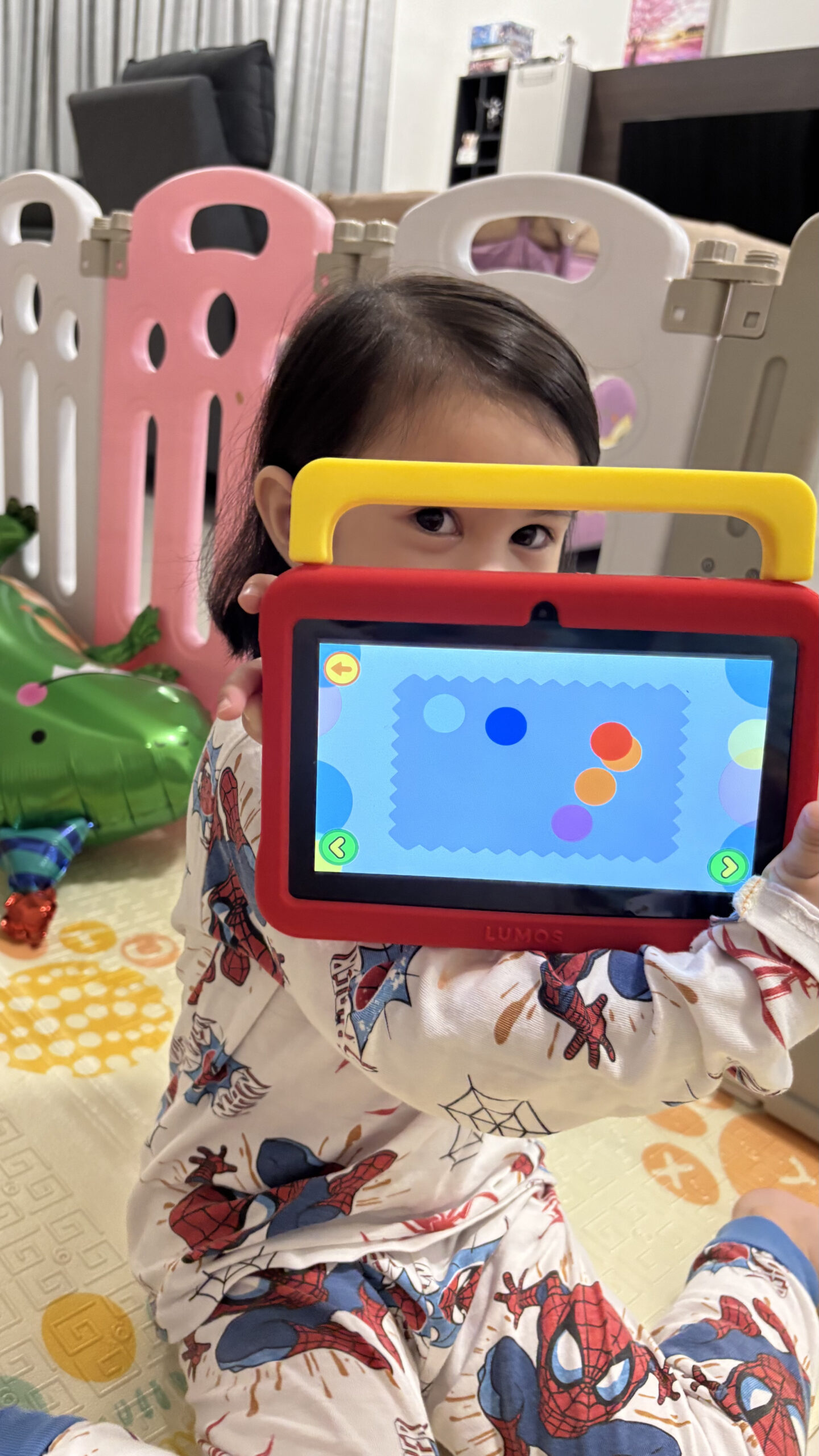
The problem is, she is now big enough to know how to switch between different apps and how to find the YouTube or Netflix app on the iPad, which leads to endless scrolling on YouTube shorts or videos. Now, this is where it gets complicated, since while you can try to control what pops up on YouTube, you know, sometimes they might just end up on the wrong side of YouTube.
Limiting their options to pre-approved apps.
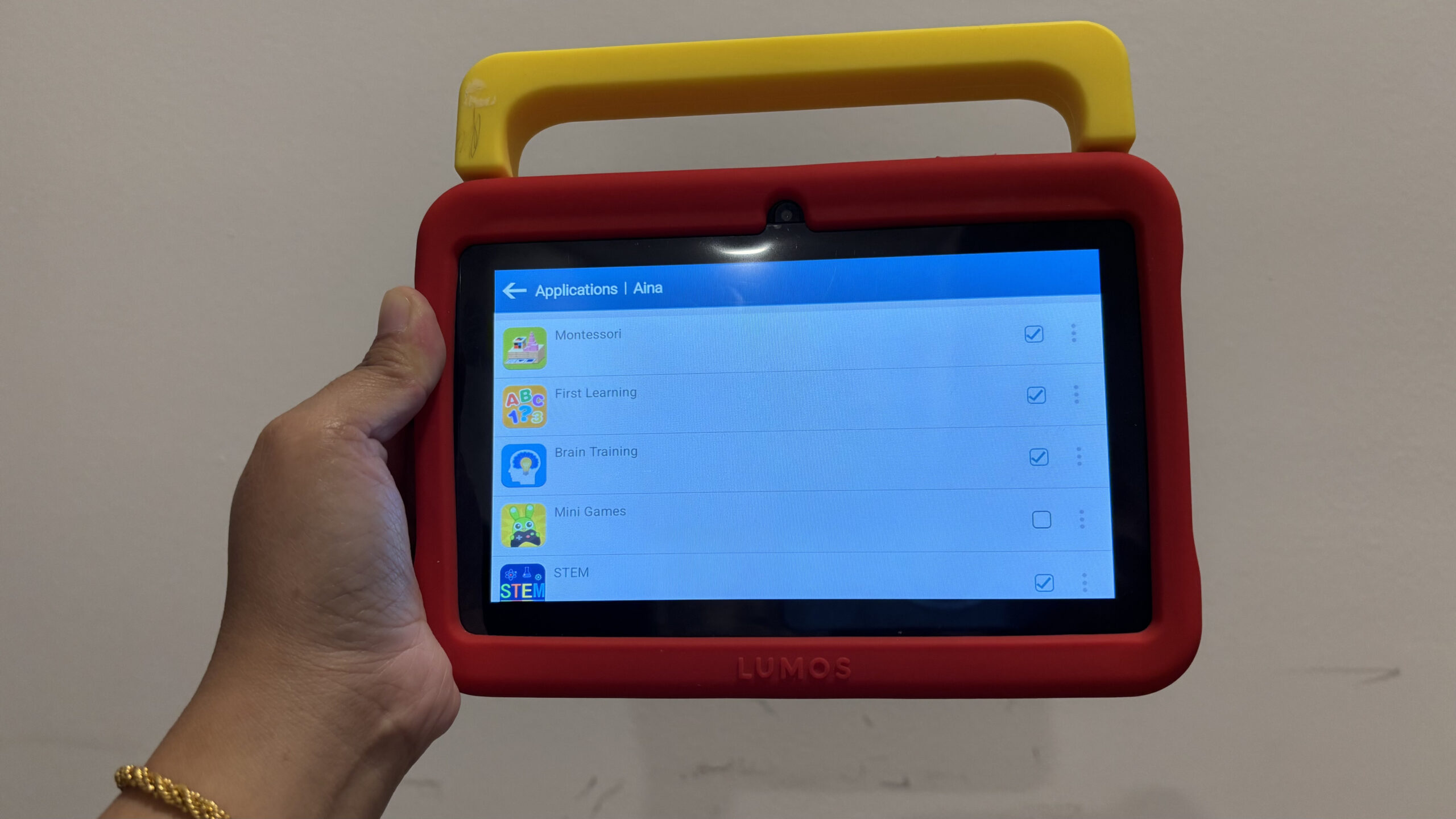
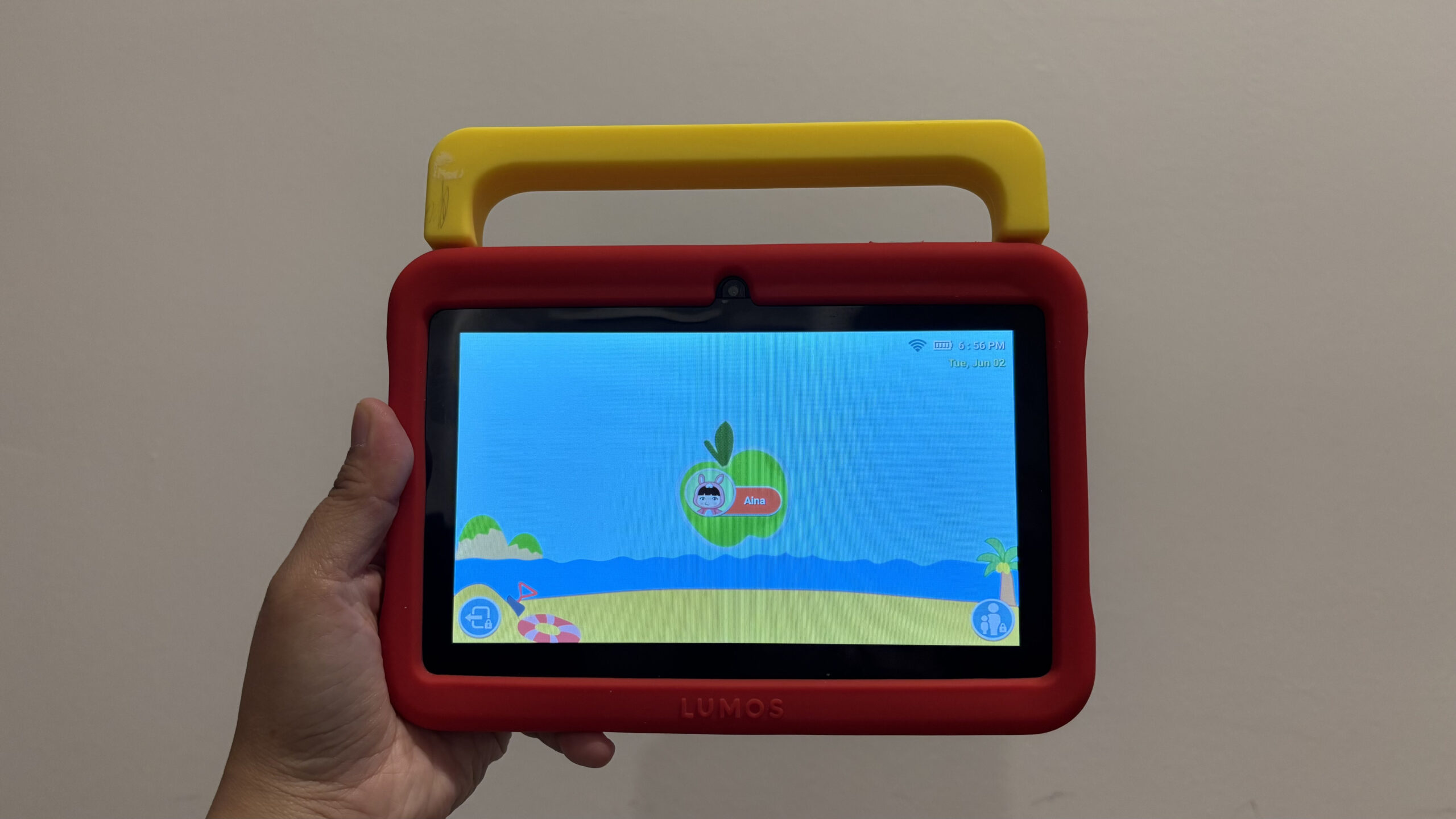
The LUMOS Kids Tablet comes pre-installed with the i-Wawa app, a parental control app that helps you to monitor and control the screen time for your children. For Aina, we opt to only allow her access to selected apps (see picture below), so we can have peace of mind knowing that she will not be able to access anything else beyond these apps.
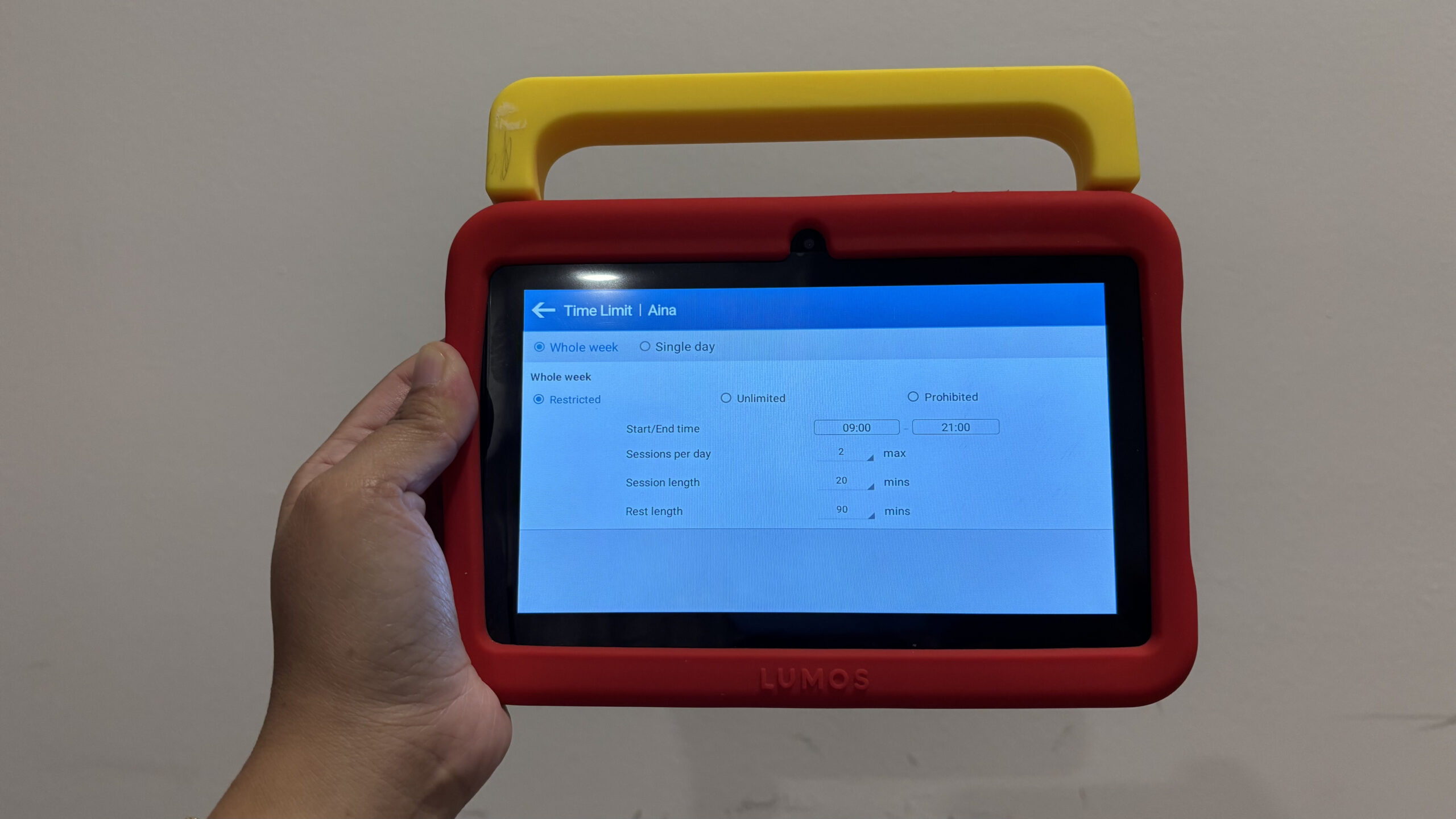
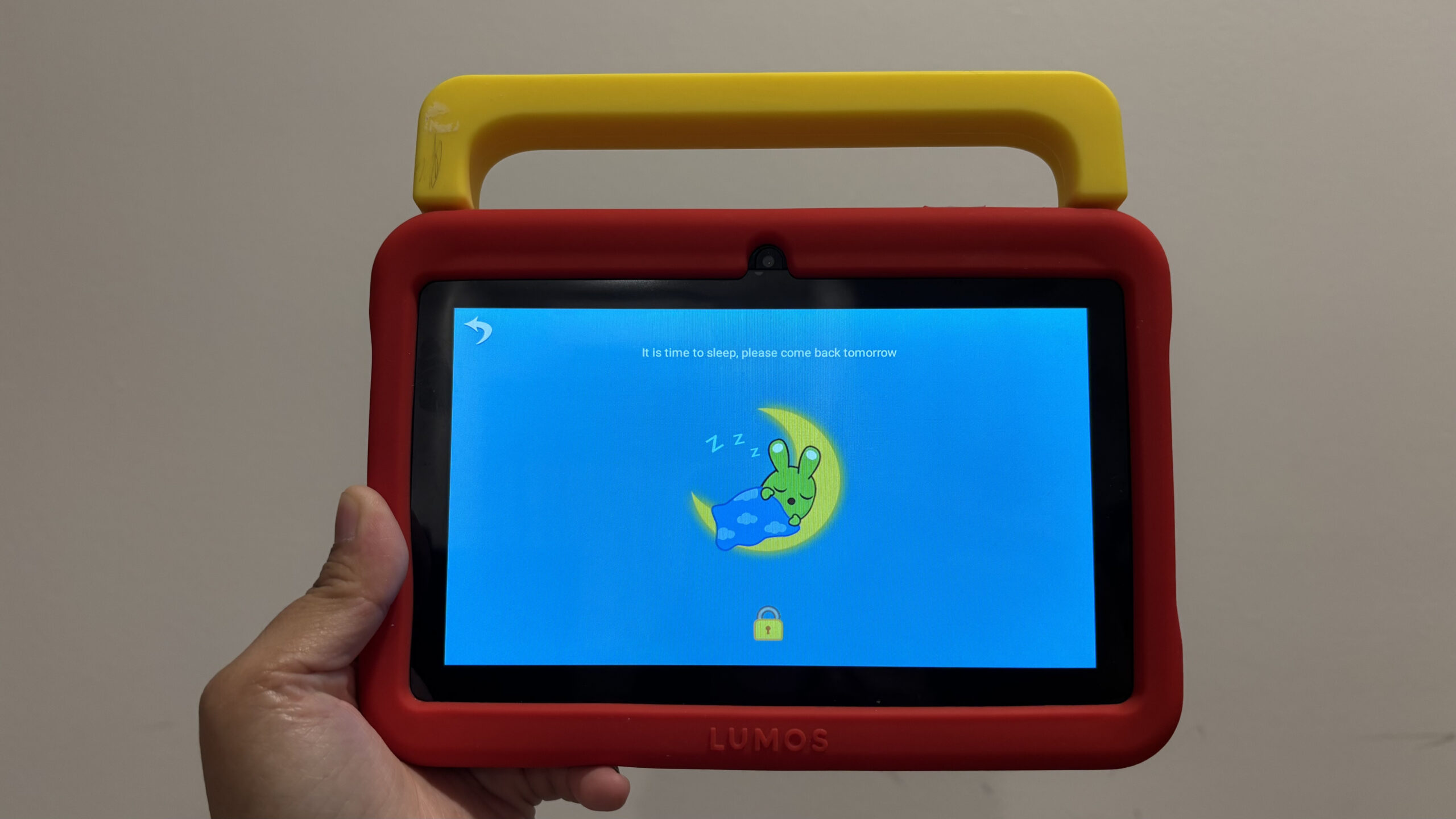
The i-Wawa app also helps us to control her screen time by limiting the duration of each ‘screen time session’ and putting in a buffer between sessions. For instance, I only allow her to use it for 20 minutes per session, for a maximum of 2 sessions a day between 9am to 9pm. By 9pm, her screen will show a sleeping owl, and she’ll know that it’s time to put her tablet down and go to bed.
Of course, there are exceptions to this rule. For instance, I removed the time limit when we were on holiday recently, just because I needed something to keep her entertained in the long drive down from KL to Desaru. But even I was surprised that she only used it for ~30-40 minutes, before passing the tablet back to me and saying “Mummy, Aina tak nak main dah, Aina nak tidur.” This showed her great independence in monitoring her own screen time, beyond my expectations.
Access to fun & educational content – from English, Math, and more!
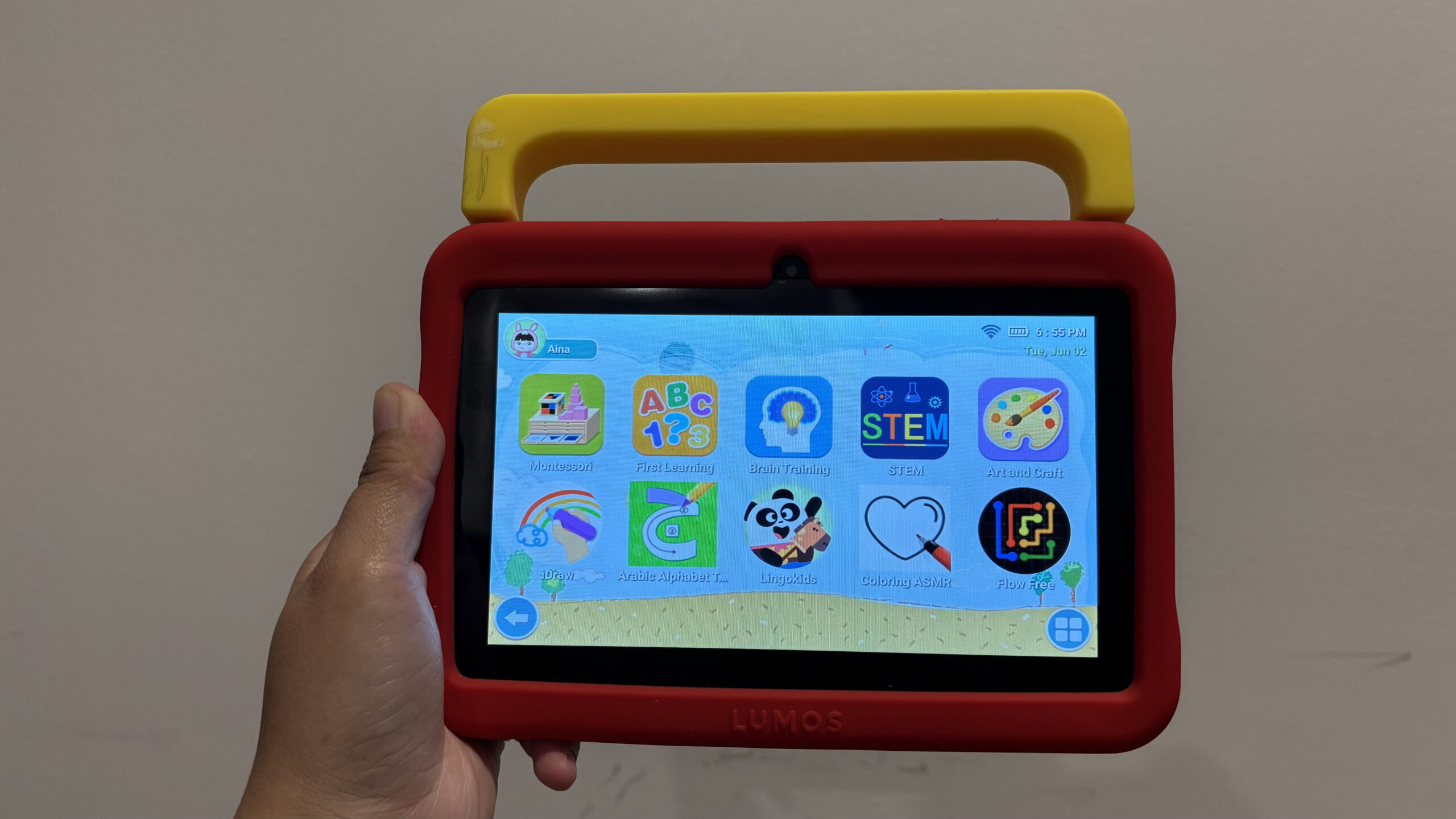
The LUMOS Kids Tablet also has language, math, and educational games for kids aged 3-9, making learning more fun and interactive. This is something that I’m looking forward to Aina being able to use more of in the future, as she’s mostly using it for colouring and logic games, and not so much on the language and math (she is still learning to read!), but it’s good practice to start exposing her to these areas bit by bit.
One thing I like most about the LUMOS Kids Tablet is that it comes with its own portable design and impact-absorbing rubber frame, so you don’t have to worry about buying a child-friendly case or anything. Especially with kids and their sometimes careless behaviour, we don’t want them dropping off these tablets anywhere. It also has a built-in handle and stand, making it travel-friendly!
Facts about the LUMOS Kids Tablet to help you decide
- It comes with a 6GB RAM – loads up the apps quickly (good for the kids who are lacking in patience, if you ask me)
- Parental lock and control make it sooooooo much easier for you to manage screen time, restrict certain apps, and even create multiple kids users – perfect for families with more than 1 young toddler who may be sharing the tablet. Each kid can have their own screen time limitations.
- The dedicated kids interface is cute and user-friendly. Very simple layout, not too distracting for the young minds.
- You get to choose what the kids have access to. I personally remove YouTube (and YouTube Kids), and any video content as we personally try to reduce her doomscrolling on endless content. But she has access to learning apps, and some pre-approved games (she’s now into the Connect Pipe-style game that she first found on Aiman’s phone, so we downloaded it for her. Seems to help her with some logical thinking too!)
- LUMOS (and its products!) have received many good user reviews from Malaysians over the past three years. I have their projector that we use as a home cinema!
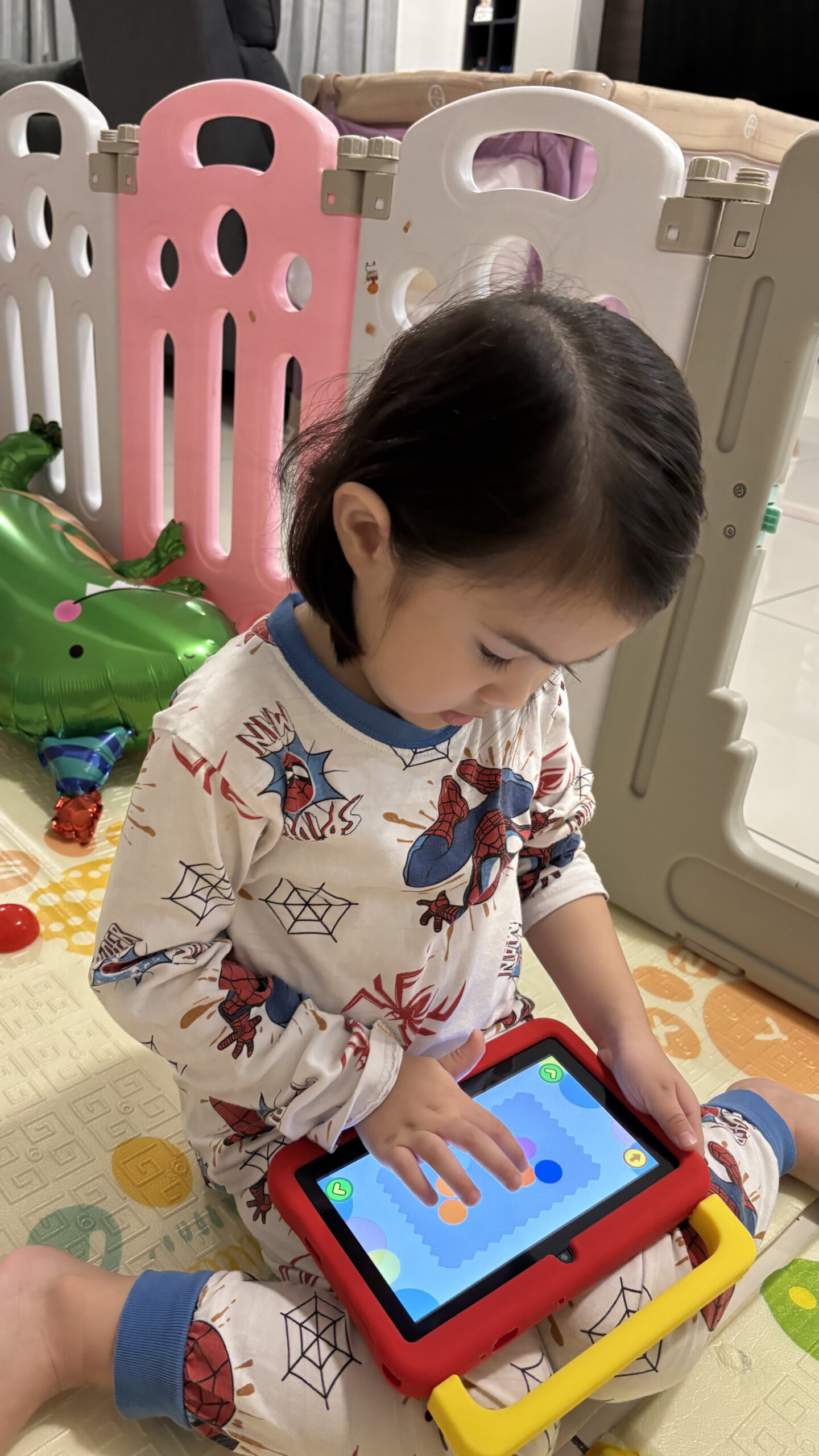
Purchase the LUMOS Kids Tablet on their website for only RM389! You’ll get a free 1-year warranty (tried and tested! I had the chance to experience the after-sales support firsthand, and the process was smooth and reassuring).